Power-system engineering desktop
Model the network. Understand the result.
Create or import an electrical network, calculate an exact saved case, then compare changes and carry the evidence into your report.
Customer installers are not available yet. Release status.
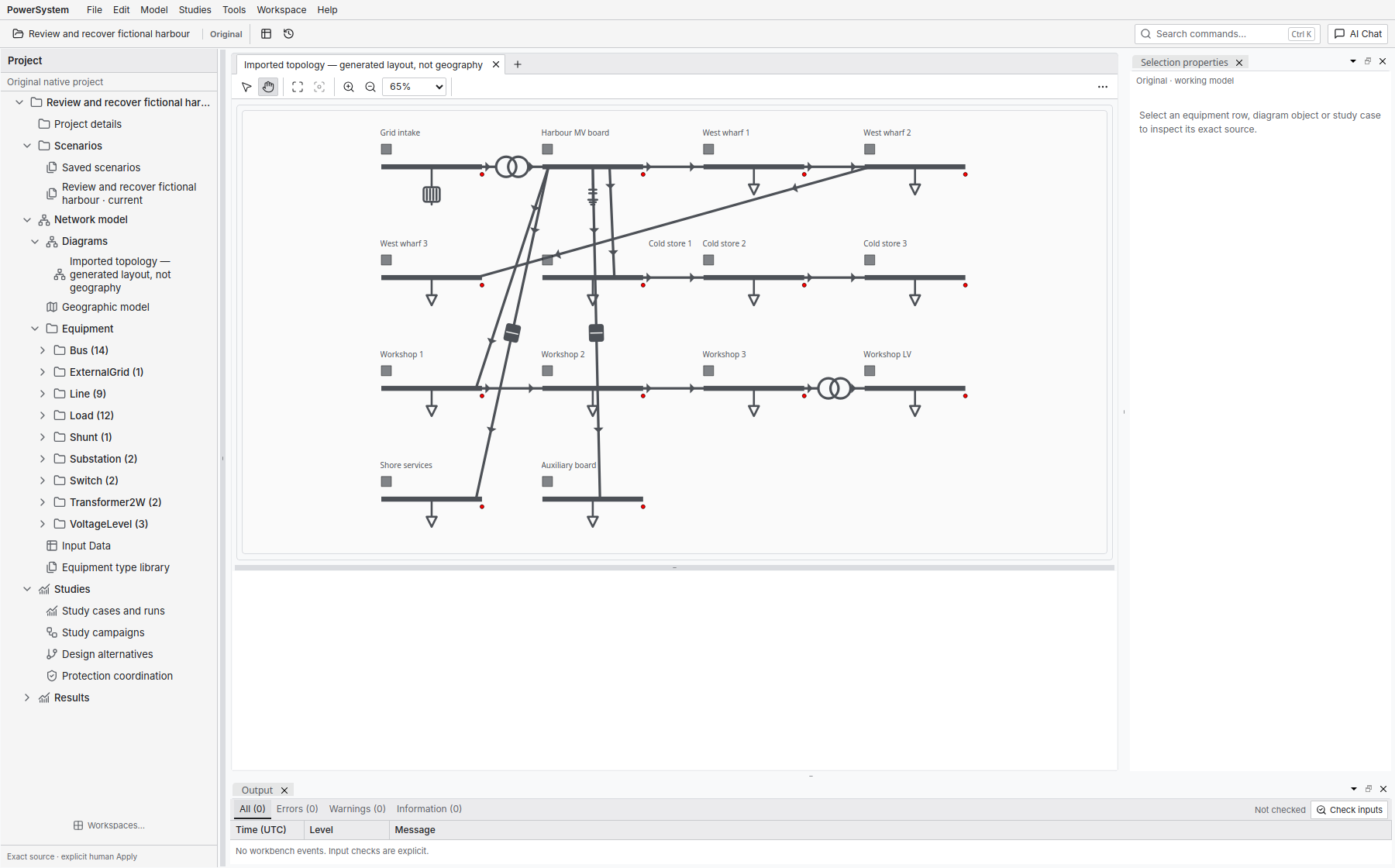
A useful study starts with a network you understand.
Keep topology, equipment and source data together. Missing values stay visible so you can resolve them before relying on a result.
Create
Build native networks, substations, buses and connected equipment. Inspect the single-line diagram alongside the model.
Import
Open supported native or RAW33 files, or map typed CSV/XLSX rows. Review relationships, units and unresolved inputs.
Check
Read actionable readiness findings. Correct the exact source instead of silently inventing missing engineering data.
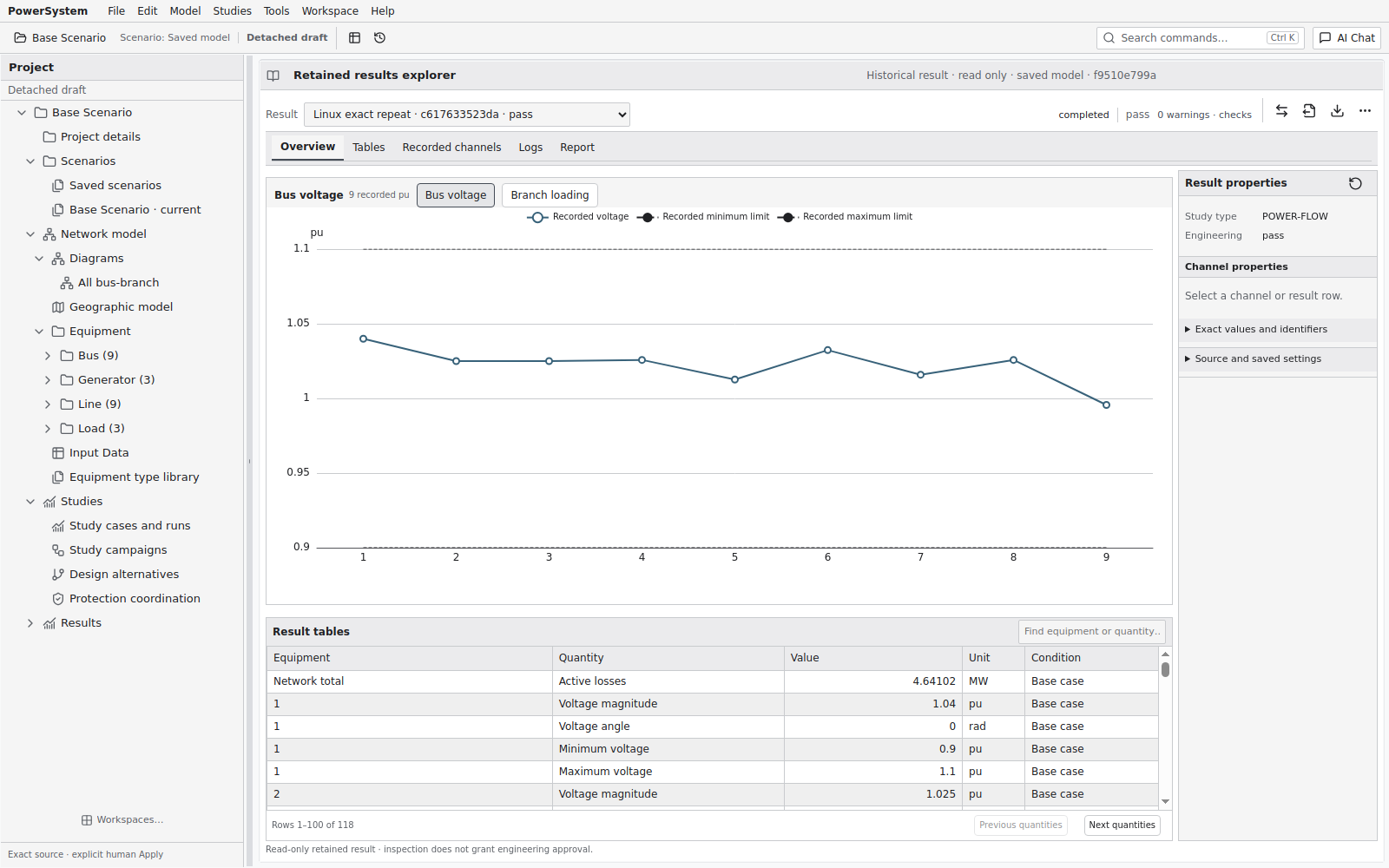
Know exactly which case produced the result.
Save study settings against a specific network and scenario. Calculate explicitly, then inspect retained plots, tables, warnings and logs.
- Saved case settings—not unrecorded global defaults.
- Voltage, loading and result quantities with their units.
- Execution success and engineering disposition shown separately.
Explore an alternative. Keep the original.
Prepare a separate candidate, compare native property changes and resolve conflicts before a person chooses what to apply.
- Original
Your current saved project stays the reference.
- Candidate
Proposed edits remain separate and inspectable.
- Reviewed Apply
Only explicitly reviewed changes are applied.
Workflow illustration · not a calculation or approval receipt.
See comparison and native project historyChoose the analysis that fits the question.
- Balanced AC load flow
- Inspect bus voltage, branch loading, losses and limits for an exact saved case.
- Short-circuit studies
- Use admitted native methods with declared source data and explicit equipment-duty limitations.
- Scenario comparison
- Compare compatible retained cases without confusing a proposed change with the active network.
Before you get started
Can I download or buy PowerSystem now?
Public installers and paid plans are not available yet. Free account sign-in is available. You can explore the workflow, read the guides and inspect the synthetic five-bus example. Availability is shown on the download page.
Which files can I bring in?
Supported native PowerSystem/VeraGrid and RAW33 files use their native parsers. CSV/XLSX imports use reviewed class and column mappings. Arbitrary proprietary XML and CIM/CGMES conversion are not offered.
Does AI approve an engineering design?
No. AI may prepare a separate candidate. Deterministic checks, source data and authorized human review remain distinct. A converged calculation alone is not design certification.
See the complete journey, one case at a time.
Follow the five-bus example from native inputs to a retained balanced AC result. The guide explains what was checked—and what was not.